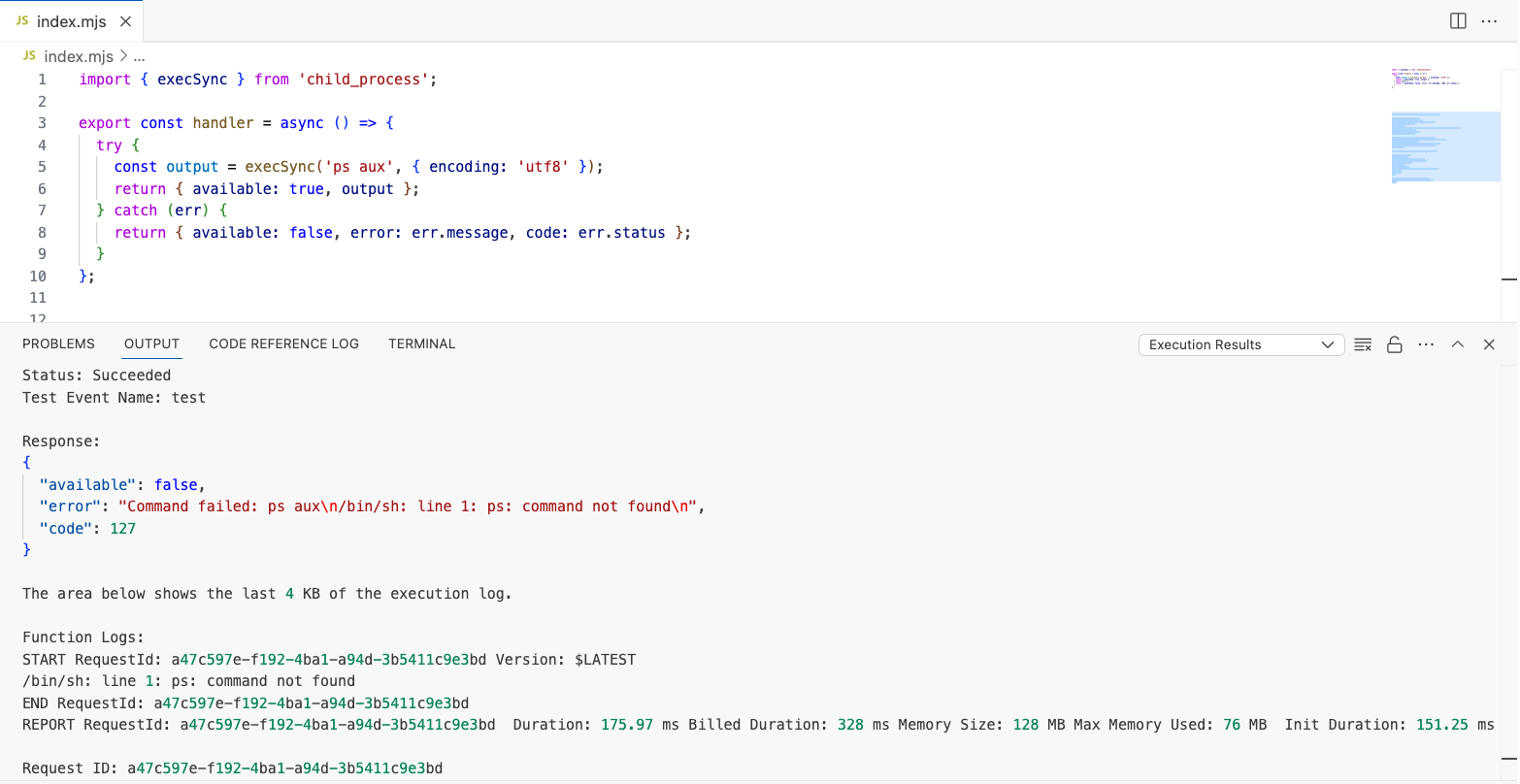
When diagnosing a memory leak I suspected was caused by orphaned processes, I ran into a snag with ps not being available within the AWS Lambda NodeJS runtime (potentially other ones as well).
Instead I had to do things the hard way.
On Linux environments /proc/${PID}/* reveals equivalent information (as ps and many other commands). For a full list of the entries available visit the kernel docs.
The majority of ps information can be obtained from /proc/${PID}/cmdline and /proc/${PID}/status.
Putting all of this together we can iterate over all processes within /proc print their status and command.
import { exec } from 'child_process';
import { readdirSync, readFileSync } from 'fs';

function listProcesses() {
  return readdirSync('/proc')
    .filter(entry => /^\d+$/.test(entry))
    .flatMap(pid => {
      try {
        const cmdline = readFileSync(`/proc/${pid}/cmdline`, 'utf8')
          .split('\0')
          .filter(Boolean)
          .join(' ');

        const status = Object.fromEntries(
          readFileSync(`/proc/${pid}/status`, 'utf8')
            .split('\n')
            .filter(line => line.includes(':'))
            .map(line => line.split(':\t'))
        );

        return [{
          pid,
          name: status['Name'],
          state: status['State'],
          cmdline,
        }];
      } catch {
        return [];
      }
    });
}

export const handler = async () => {
  // intentionally no execSync / no await to ensure the sleep is running during listProcess execution
  exec('sleep 5');
  return { processes: listProcesses() };
};
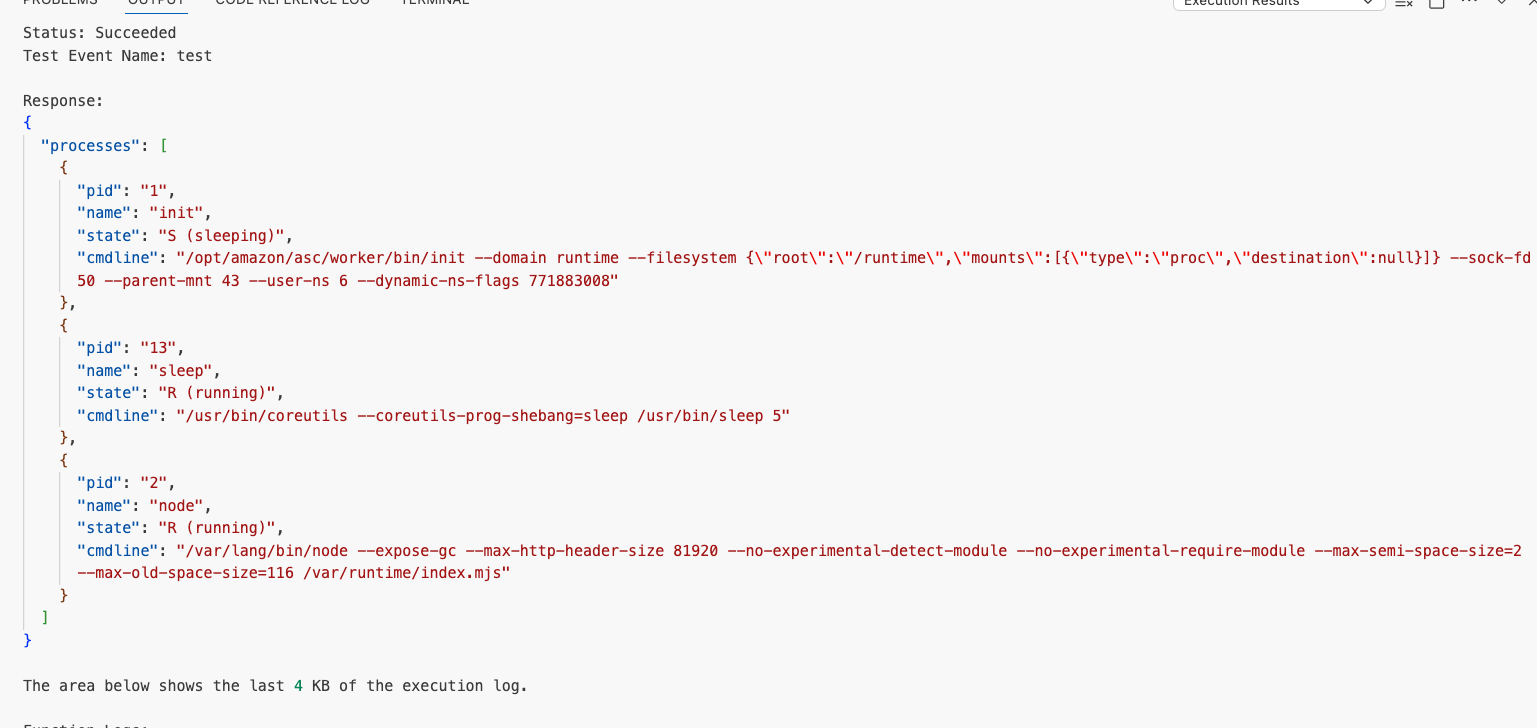
Which when run yields a ps equivalent like output and was able to help me diagnose the orphaned process causing a memory leak!